Linux Lite has been reviewed at almost every step of its life, from version 1.0.4 in 2013 to version 8.2 in 2026. The old reviews are more than history. They show how the system grew, what it got right early, and what took years to fix. This guide walks through the major old versions — 7.0, 6.0, 5.2 and the early 1.0.4, 2.6 and 3.0 reviews — and explains what changed since.
Linux Lite 7.0 "Galena" (June 2024)
Version 7.0, codenamed Galena, was released on 1 June 2024 to mark twelve years of the project. It was built on Ubuntu 24.04 LTS and used the Xfce 4.18 desktop. It was the version that made the big break with Snap: 7.0 dropped Snap entirely, and the release notes made a point of it.
The fullest review of 7.0 came from CyberPanel, published on 12 July 2025 and titled the best lightweight Linux OS for 2025. It covered what was new — Xfce 4.18 and the 6.x kernel line — the system requirements, and the idle RAM figure of 400 to 600 MB. It compared 7.0 against Lubuntu, Puppy Linux and Xubuntu, and found it the best choice for beginners on old hardware.
The release coverage agreed. Linuxiac marked the twelve-year anniversary in its 7.0 post. 9to5Linux reported the release with Xfce 4.18 and the Ubuntu 24.04 base. UbuntuHandbook listed the release with the same details.
7.0 matters because it set the direction for everything after it. The Ubuntu 24.04 base, the Xfce 4.18 desktop, the removal of Snap and the rewritten Lite tools all carried into 7.8, and the Series 8 rebuild started from here.
Linux Lite 6.0 (June 2022)
Version 6.0 arrived on 1 June 2022, based on Ubuntu 22.04 LTS with the Xfce 4.16 desktop. Its most talked-about change was the browser: 6.0 dropped Firefox and made Google Chrome the default. That decision was reversed in 8.0, when Firefox came back, but in 2022 it was the headline.
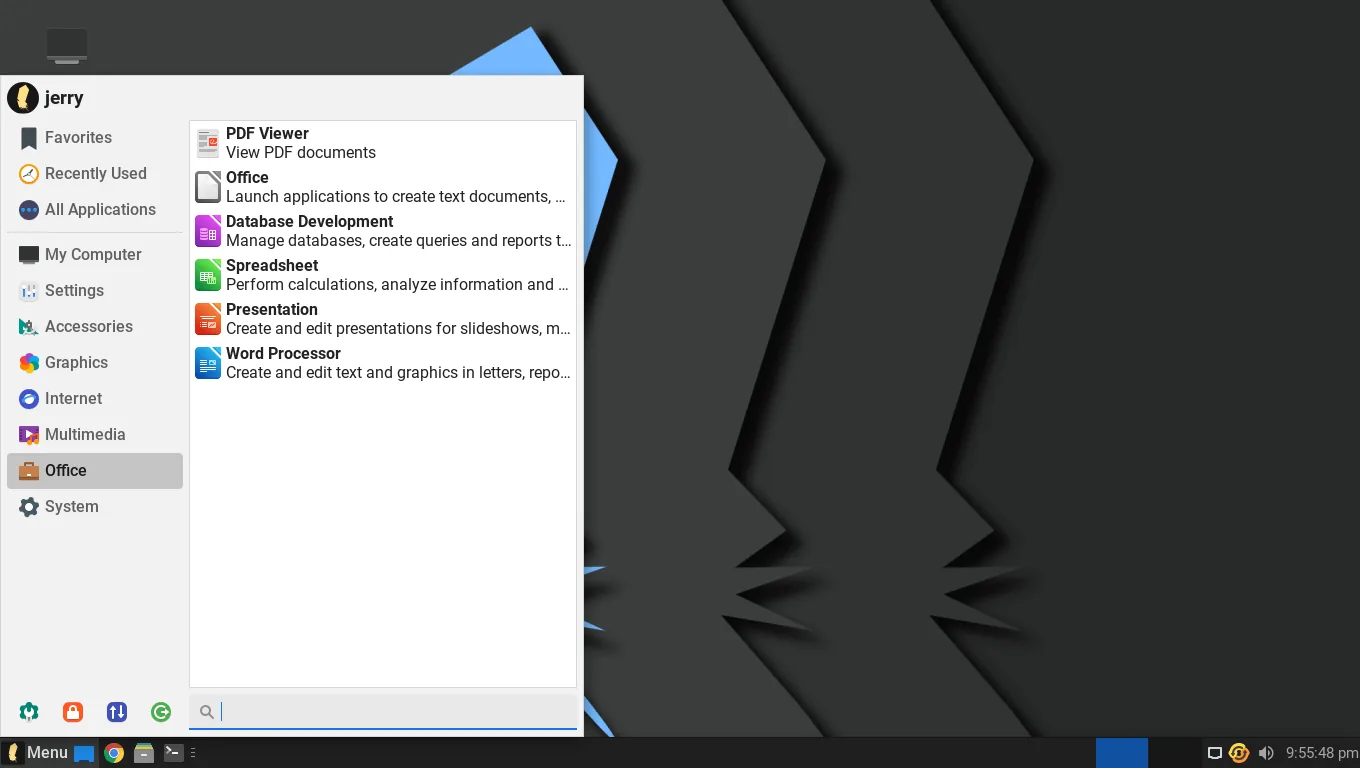
The best review of 6.0 came from DebugPoint, which tested it on a physical machine and in a virtual machine. The review called it a well-designed bridging distro for Windows users, and measured about 590 MB of RAM at idle. It covered the Materia window theme, the accessibility improvements, and the desktop in detail.
The release coverage was wide. Linuxiac, 9to5Linux, It's FOSS, OMG! Ubuntu and DebugPoint News all reported 6.0 on the day, and all of them led with the Chrome switch and the Ubuntu 22.04 base. It's FOSS put it plainly in the headline: 6.0 ditches Firefox to favour Google Chrome.
6.0 also introduced the Zstd compression work that 6.4 finished, and the Lite Upgrade changes that made in-place upgrades smoother. It was a solid, well-reviewed release, and the DebugPoint review remains the best hands-on account of it.
Linux Lite 5.2 (October 2020)
Version 5.2 was released on 31 October 2020, based on Ubuntu 20.04.1 LTS with kernel 5.4. It was a smaller release than 6.0 or 7.0, but it got a full review from DebugPoint, published on 17 November 2020 and updated in June 2021.
The DebugPoint review covered the desktop, the pre-installed applications, the system requirements and what was new in 5.2. It called 5.2 the best alternative OS for older hardware, which was the reputation Linux Lite was building at the time. BetaNews covered the release with its usual Windows-switcher framing, telling Windows 10 users to kick Microsoft to the curb and switch.
5.2 sits at an important point in the timeline. It came six months after 5.0, the version that added UEFI support, and it was the last version before the 6.x series moved the project to Ubuntu 22.04. The 5.x series as a whole is where Linux Lite grew from a small project into a widely reviewed one.
The Early Reviews: 1.0.4, 2.6 and 3.0
The earliest reviews come from Gary Newell at Everyday Linux User, who reviewed three versions in a row: 1.0.4 in January 2013, 2.6 in late 2015, and 3.0 in 2016.
The 1.0.4 review tested the project's founding aims — simple, fast and free — on the original Ubuntu LTS base with Xfce. It was a review of a young system, and it treated it as one: promising, friendly, and rough in places.
The 2.6 review, three years later, praised the Lite Installer and the Control Centre, and gave a verdict that still gets quoted: as good as Linux Mint for old hardware. Its main criticism was the lack of UEFI support.
The 3.0 review, in 2016, covered the Ubuntu 16.04 base and Xfce 4.12, with software and hardware tests. Its main criticism was the same: still no EFI or UEFI support. That complaint ran through all three reviews, and it took until version 5.0 in 2020 for the project to answer it.
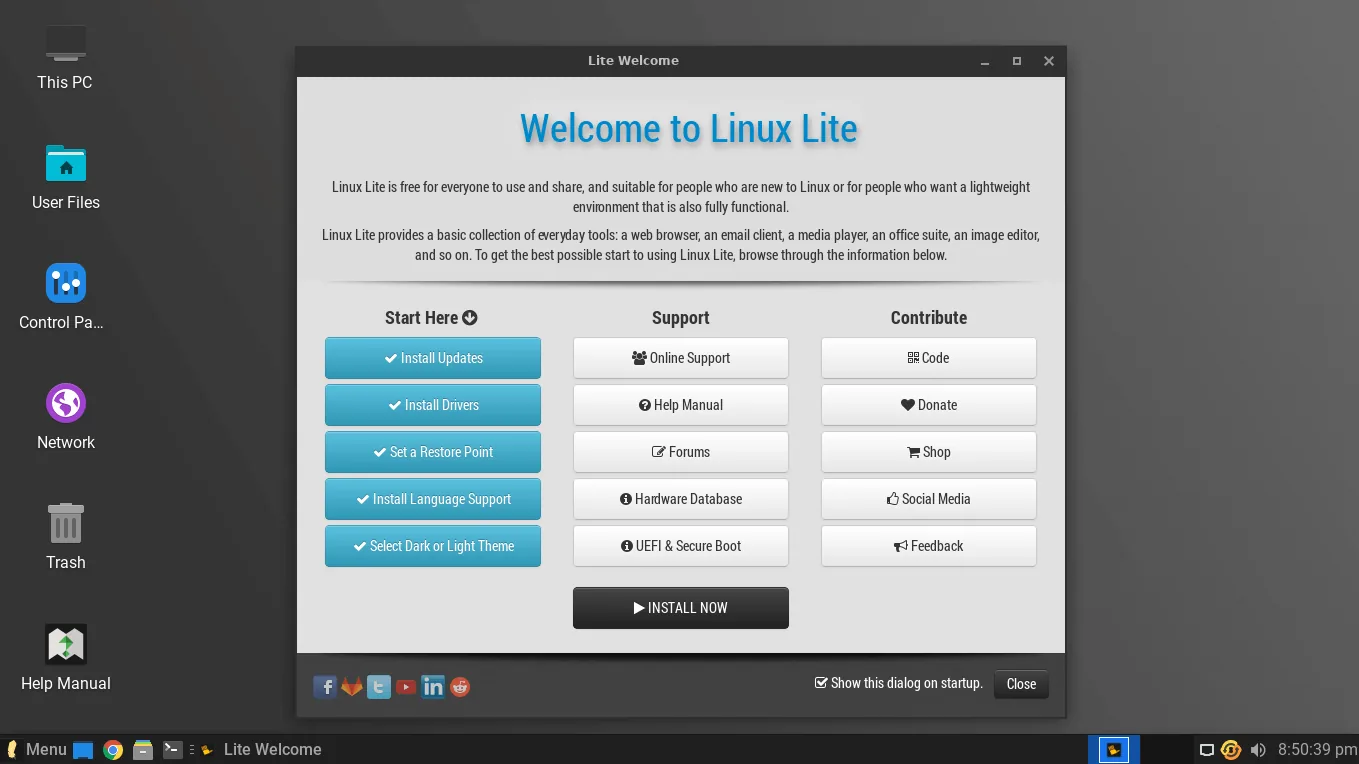
Linux.com also reviewed version 3.0 in July 2016, calling it the ideal platform for old hardware and new users. The reviewer tested it on a 2009 Sony VAIO with a 1.86 GHz Pentium and 2 GB of RAM, and covered the requirements, the Welcome screen, Lite Software and the Help Manual. A 2009 laptop running well in 2016 was exactly what the system was built for, and the review showed it working.
What Changed Since the Early Reviews
Reading the old reviews next to each other shows how much changed, and how much stayed the same.
UEFI support arrived with 5.0 in 2020, answering the criticism that ran through the 2.6 and 3.0 reviews. The installer changed completely in 8.0, when Calamares replaced the old installer. Firefox left as the default in 6.0 and came back in 8.0. Snap and Flatpak were removed in 8.0, and applications come as DEB packages.
New features arrived that the early reviewers never saw: the Lite Game Center and MyAI in Series 8, the gaming kernel in 8.2, and fifteen rewritten applications. The desktop was translated into 22 languages.
What stayed the same is the idea. The 1.0.4 review tested whether Linux Lite was simple, fast and free. The 8.2 release answers the same question the same way. The system requirements grew, from 700 MHz and 512 MB of RAM in 2016 to 1.5 GHz dual-core and 4 GB today, because the desktop grew. But the aim never changed: a familiar desktop, a complete set of applications, and an old computer that is useful again.
Release Timeline: 1.0 to 8.2
| Version | Date | Base | Desktop |
|---|---|---|---|
| 1.0 Amethyst | October 2012 | Ubuntu 12.04 LTS | Xfce 4.8 |
| 2.0 | May 2014 | Ubuntu 14.04 LTS | Xfce |
| 2.6 | 2015 | Ubuntu 14.04 LTS | Xfce |
| 2.8 | 2016 | Ubuntu 14.04.3 LTS | Xfce 4.10 |
| 3.0 | June 2016 | Ubuntu 16.04 LTS | Xfce 4.12 |
| 4.0 | June 2018 | Ubuntu 18.04 LTS | Xfce |
| 4.8 | January 2020 | Ubuntu 18.04.3 LTS | Xfce |
| 5.0 Emerald | May 2020 | Ubuntu 20.04 LTS | Xfce |
| 5.2 | October 2020 | Ubuntu 20.04.1 LTS | Xfce |
| 5.8 | February 2022 | Ubuntu 20.04.1 LTS | Xfce |
| 6.0 | June 2022 | Ubuntu 22.04 LTS | Xfce 4.16 |
| 6.6 | September 2023 | Ubuntu 22.04 LTS | Xfce 4.16 |
| 7.0 Galena | June 2024 | Ubuntu 24.04 LTS | Xfce 4.18 |
| 7.8 | February 2026 | Ubuntu 24.04.3 LTS | Xfce 4.18 |
| 8.0 Hematite | June 2026 | Ubuntu 26.04 LTS | Xfce 4.20 |
| 8.2 Hematite | October 2026 | Ubuntu 26.04.1 LTS | Xfce 4.20 |
Every major version follows the Ubuntu LTS cycle, which is why the system gets long-term support and security updates with every release.
Should You Install an Old Version?
No — not for daily use. Old versions are out of support, they do not get security updates, and the current version is better in every way that matters. If you run 7.x, upgrade in place with Lite Upgrade. If you run anything older, back up your files and install the latest version fresh.
Linux Lite 8.2 is the latest version, and 8.0 was the first release of Series 8. The old versions are history now, not a recommendation.
Old versions are worth installing only for curiosity: in a virtual machine, to see how the system used to look, or to test old hardware. For real work, the latest version is the only sensible choice.
FAQs
What was the first version of Linux Lite?
Version 1.0, codenamed Amethyst, released in October 2012. It was based on Ubuntu 12.04 LTS with the Xfce 4.8 desktop.
When did Linux Lite 7.0 come out?
On 1 June 2024. Codenamed Galena, it was based on Ubuntu 24.04 LTS with Xfce 4.18, and it dropped Snap.
What did the Linux Lite 6.0 review say?
DebugPoint's full review called it a well-designed bridging distro for Windows users, tested on a physical machine and a virtual machine, with about 590 MB of RAM at idle.
Why did old Linux Lite reviews complain about UEFI?
Versions 2.6 and 3.0 had no UEFI support, and reviewers criticised that in 2015 and 2016. UEFI support arrived with version 5.0 in 2020.
Which old Linux Lite version is best to install today?
None of them. Old versions are out of support and get no security updates. Install the latest version, or upgrade in place from 7.x with Lite Upgrade.
What changed most between the early versions and 8.2?
UEFI support, the Calamares installer, Firefox returning as the default, Snap and Flatpak removed, the Lite Game Center and MyAI added, and the system requirements growing from 512 MB of RAM to 4 GB.
Conclusion
The old versions of Linux Lite tell the story of the project. Version 1.0.4 set the aim: simple, fast and free. Versions 2.6 and 3.0 proved it on old hardware and took the criticism about UEFI on the chin. Version 5.2 made it a widely reviewed alternative for older machines. Version 6.0 made the bold browser switch and earned a thorough review. Version 7.0 set the direction for everything after it. Each version fixed something the last one got wrong, and the result is 8.2 — the same idea, fourteen years on, running on the same kind of old laptop it was built for.