Linux Lite 7.8 was the last release of the 7.x series, and it was a bigger release than its version number suggests. It arrived on 1 February 2026, based on Ubuntu 24.04.3 LTS, and it rewrote a dozen of the project's own applications. This guide covers what was new in 7.8, how to download and install it, what reviewers said about it, and if it is still worth installing now that Linux Lite 8.2 is out.
What Was Linux Lite 7.8?
Linux Lite 7.8 was released on 1 February 2026 as the final step of the 7.x series. It was built on Ubuntu 24.04.3 LTS, used the Xfce 4.18 desktop, and carried the work the project had been doing since 7.0: modernising its own applications and moving them to the GTK4 toolkit.
That Ubuntu 24.04 LTS base was shared by the whole 7.x series.
The release was covered by the usual release sites — Linuxiac, 9to5Linux and UbuntuHandbook all reported it on the day — but only one site published a full review and guide. StarWind Software's guide, written by Vladan Seget and published on 17 February 2026, is the most complete account of 7.8 anywhere, and this guide draws on it heavily.
What's New in 7.8
The headline change in 7.8 was the GTK4 transition. Twelve of the project's own applications were rewritten and ported to GTK4, the modern toolkit that Ubuntu 24.04 uses. That sounds technical, but the effect is visible: the Lite tools look cleaner, start faster and behave more consistently with the rest of the desktop.
Underneath, 7.8 stayed on the 7.x foundation. It kept Xfce 4.18, the Ubuntu 24.04 LTS base, and the kernel line of the 7.x series. It did not have the Calamares installer — that arrived with 8.0 — and it did not have the Lite Game Center or MyAI, which also arrived with Series 8.
What 7.8 did have was polish. It was the most finished version of the 7.x series: the rewritten apps, the settled desktop, and two years of fixes since 7.0. Reviewers treated it as the version to install if you wanted stability rather than the newest features.
How to Download Linux Lite 7.8
Linux Lite is free to download, and 7.8 is still available from the official Linux Lite site, which keeps older releases available. Get the 64-bit ISO and check its checksum before you use it — the checksum confirms the file downloaded completely and was not altered.
Download it only from the official Linux Lite site. That is the only copy you should trust.
The ISO is about 2.4 GB, so use a stable connection. You will need a USB stick of 4 GB or more to write it to, or a DVD. The download page on the official site lists the mirrors as well as the main download.
System Requirements for 7.8
The requirements for 7.8 are the same as for the current version:
| Requirement | Minimum |
|---|---|
| Processor | 1.5 GHz dual-core CPU |
| Memory (RAM) | 4 GB |
| Storage | 40 GB (HDD, SSD or NVMe) |
| Display | VGA, DVI, DP or HDMI at 1366 x 768 |
| Media | DVD drive or USB port for the ISO image |
Linux Lite 7.8 is 64-bit only. A machine with 2 GB of RAM can run it, but 4 GB is what makes multitasking comfortable. Machines with under 1 GB of RAM need a lighter system.
How to Install Linux Lite 7.8
Installing 7.8 follows the standard Linux Lite path, and the StarWind guide tested it step by step, including in VMware.
Step 1: Make a bootable USB stick
Write the ISO to a USB stick with Rufus or Etcher. Both are free, and both verify the write. Use a USB 2.0 port if the machine is old — some old machines only boot from those.
Step 2: Boot from the USB and try the live session
Restart the machine and boot from the USB stick. The live session starts without installing anything, so you can check that Wi-Fi, sound and the display all work before you commit.
Step 3: Start the installer
Click Install Linux Lite on the desktop. Pick your language, timezone and keyboard layout, then choose how to use the disk. To erase the disk and install 7.8 alone, pick that option. To keep Windows, pick "install alongside" — the installer shrinks Windows and adds Linux Lite to the boot menu.
Step 4: Set up your user and finish
Set your username, password and timezone, and choose whether to log in automatically. The install takes under 20 minutes, and under 10 minutes on an SSD. Reboot, remove the USB stick, and run Lite Updates to get the latest patches.
Before you install, back up your files, and disable Secure Boot in the firmware — Linux Lite does not support Secure Boot, and the installer will ask for it to be off.
Features and Lite Tools in 7.8
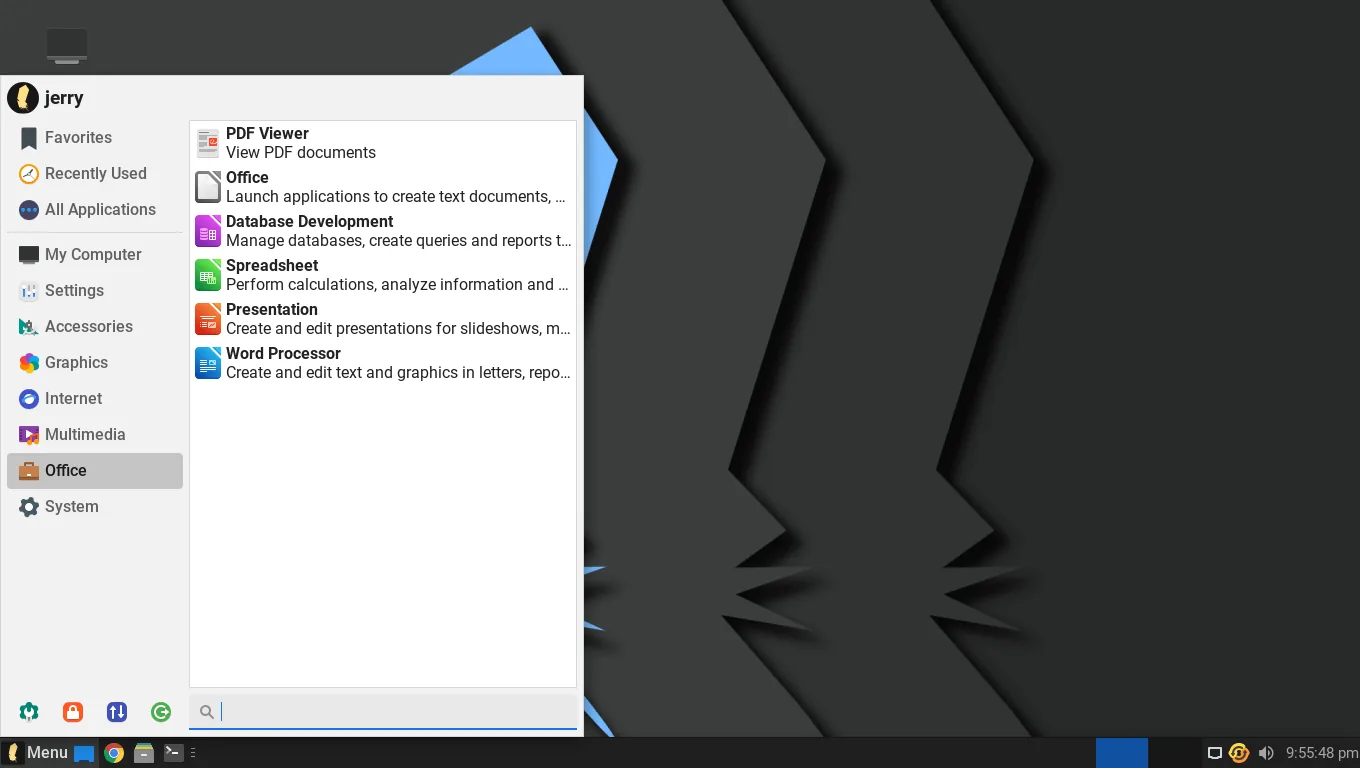
Linux Lite 7.8 ships the full set of everyday applications: Firefox for the web, Thunderbird for email, LibreOffice for documents, spreadsheets and presentations, VLC for media, GIMP for image editing, the Thunar file manager, and Timeshift for system backups.
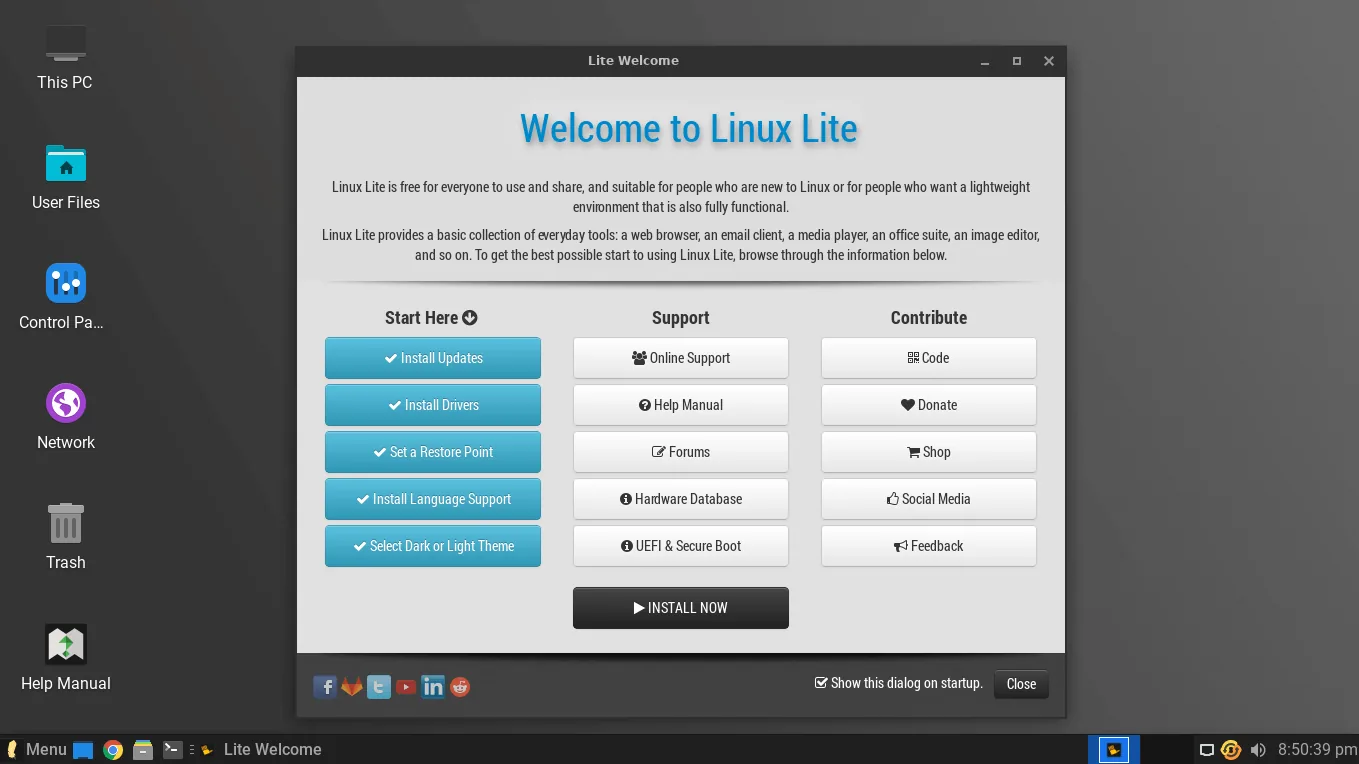
The Lite tools are what set it apart. Lite Welcome is the guided first-run checklist. Lite Software is the friendly app store. Lite Updates keeps the system patched without the terminal. Lite Tweaks clears caches and frees disk space in one click. Lite Driver Manager detects your graphics card and installs the right driver. All of them were rewritten for GTK4 in 7.8, which is why the release felt more polished than 7.6.
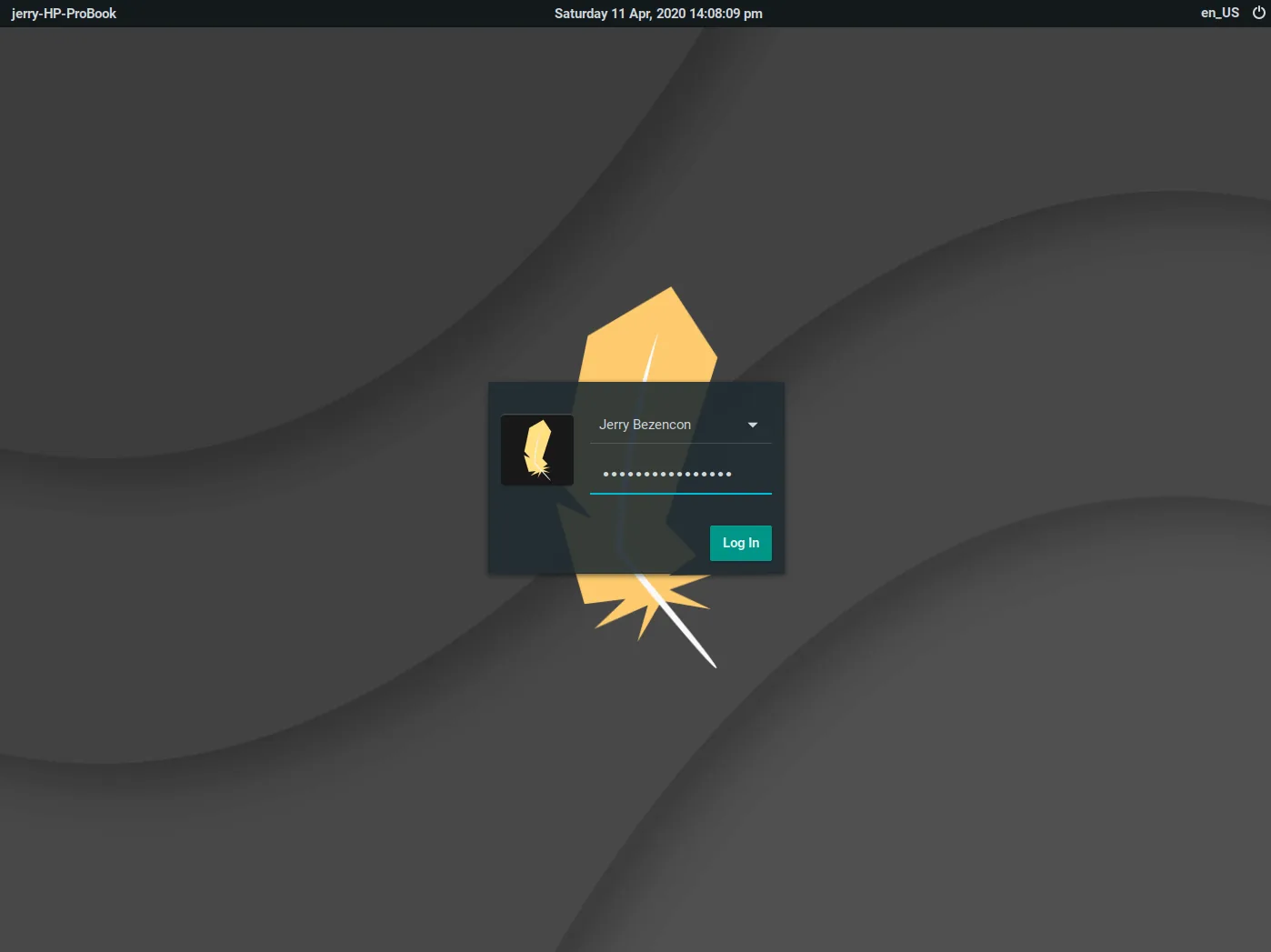
The desktop is Xfce 4.18, dressed with Papirus icons and a clean theme, with a bottom taskbar, a start menu and a system tray. It looks close to Windows on purpose, so a Windows user can start working straight away.
Review: What Reviewers Said About 7.8
The StarWind guide is the fullest review of 7.8, and its verdict was positive. It praised the system requirements — light enough for old hardware — the step-by-step install, the Lite tools, and the community and support around the project. Its comparisons put 7.8 against Ubuntu, Linux Mint, Zorin OS Lite and Xubuntu, and found 7.8 lighter and simpler than all of them for an old PC.
The release coverage agreed. Linuxiac's 7.8 post led with the app rewrites and the GTK4 transition. 9to5Linux noted the same. UbuntuHandbook listed the system requirements and called it a lightweight Ubuntu 24.04 based distro.
The criticisms were the familiar ones. Secure Boot must be disabled. 4 GB of RAM is needed for comfort. And 7.8 was already, by the time reviewers finished writing, a version with a successor on the way — Series 8 arrived four months later.
7.8 vs 8.2: Should You Still Install 7.8?
No, not for a new install. Linux Lite 8.2 is the current version, released on 31 October 2026, built on Ubuntu 26.04.1 LTS with the Linux 7.3 kernel, the Calamares installer, the Lite Game Center and MyAI. It is newer, better supported, and the version the project is developing now.
A fresh install should always start with 8.2.
There are two exceptions. If you already run 7.8 and it works, there is no rush — use Lite Upgrade to move to 8.x in place when you are ready, after backing up with Timeshift. And if you are reading this guide because you want to understand what changed between the series, 7.8 is the version that shows the 7.x series at its best.
For a fresh install on any machine, download the latest version from the official Linux Lite site. 7.8 stays in this guide as history, not as a recommendation.
FAQs
When was Linux Lite 7.8 released?
On 1 February 2026. It was based on Ubuntu 24.04.3 LTS and was the last release of the 7.x series.
What was new in Linux Lite 7.8?
Twelve of the project's own applications were rewritten and ported to GTK4. It kept Xfce 4.18 and the Ubuntu 24.04 LTS base.
How do I download Linux Lite 7.8?
From the official Linux Lite site, which keeps older releases available. Get the 64-bit ISO and check its checksum before using it.
What are the system requirements for Linux Lite 7.8?
A 1.5 GHz dual-core processor, 4 GB of RAM, 40 GB of storage, and a display of at least 1366 x 768. It is 64-bit only.
Can I upgrade from Linux Lite 7.8 to 8.2?
Yes. Use Lite Upgrade for the in-place upgrade from 7.x to 8.x. Back up with Timeshift first, and update 7.8 fully before you start.
Should I still install Linux Lite 7.8 instead of 8.2?
No, not for a new install. 8.2 is the current version and the one to install. 7.8 is for existing users and for history.
Conclusion
Linux Lite 7.8 was the 7.x series at its best: twelve applications rewritten for GTK4, a polished Xfce 4.18 desktop, and the lightest full-featured system the project had shipped. Reviewers liked it, the install was straightforward, and it revived old PCs well. But it is history now. Series 8 brought a new Ubuntu base, a new installer, a new kernel line and new features, and 8.2 is the version to install today. If you run 7.8, upgrade in place with Lite Upgrade. If you are installing fresh, get the latest version from the official Linux Lite site.