Your old PC still works. The problem is Windows. Support for Windows 10 has ended, and Windows 11 refuses to install on millions of perfectly good machines because of its TPM chip and memory requirements. Owners of older PCs now face a hard choice: buy a new computer, keep running an unsupported system, or switch.
Linux Lite is one answer: a free, lightweight Linux distribution with a Windows-like desktop. This guide compares Linux Lite 8.2 with Windows.
Why Windows Users Are Switching Now
Windows 10 Support Has Ended
Windows 10 reached the end of its support life, so most users no longer get security updates. Running an unsupported system is a real risk: new security holes are never patched.
Windows 11 Leaves Old PCs Behind
Windows 11 demands a TPM 2.0 chip and at least 4 GB of RAM, and those requirements alone locked out millions of capable machines. A 2017 laptop may run Windows 10 perfectly well, yet Windows 11 will not install on it. Linux Lite has no TPM or Microsoft account requirement.
The Cost and Privacy Difference
Windows is a paid product tied to a Microsoft account, advertising, and telemetry that cannot be fully switched off. Linux Lite is free forever. It collects no telemetry, and its local AI assistant, MyAI, runs on your own machine.
What Is Linux Lite?
Linux Lite is a Linux distribution based on Ubuntu LTS (Long Term Support), created in 2012 and led by Jerry Bezencon. It uses the lightweight Xfce desktop and ships with everyday applications already installed. The project has pitched itself at Windows users since version 4.8, released as a Windows 7 alternative.
In short: Ubuntu LTS underneath, an Xfce desktop on top, and the Lite tools on the side.
The latest version is Linux Lite 8.2 Final, released on 31 October 2026. It is built on Ubuntu 26.04.1 LTS, uses the Xfce 4.20 desktop, and runs the Linux 7.3 kernel. The ISO is about 2.4 GB; the system is 64-bit only. Series 8 was the project's biggest rebuild: a new Calamares installer, Firefox back as default browser, no Snap or Flatpak, and two custom 7.3 kernels.
The Desktop: Familiar from the First Minute
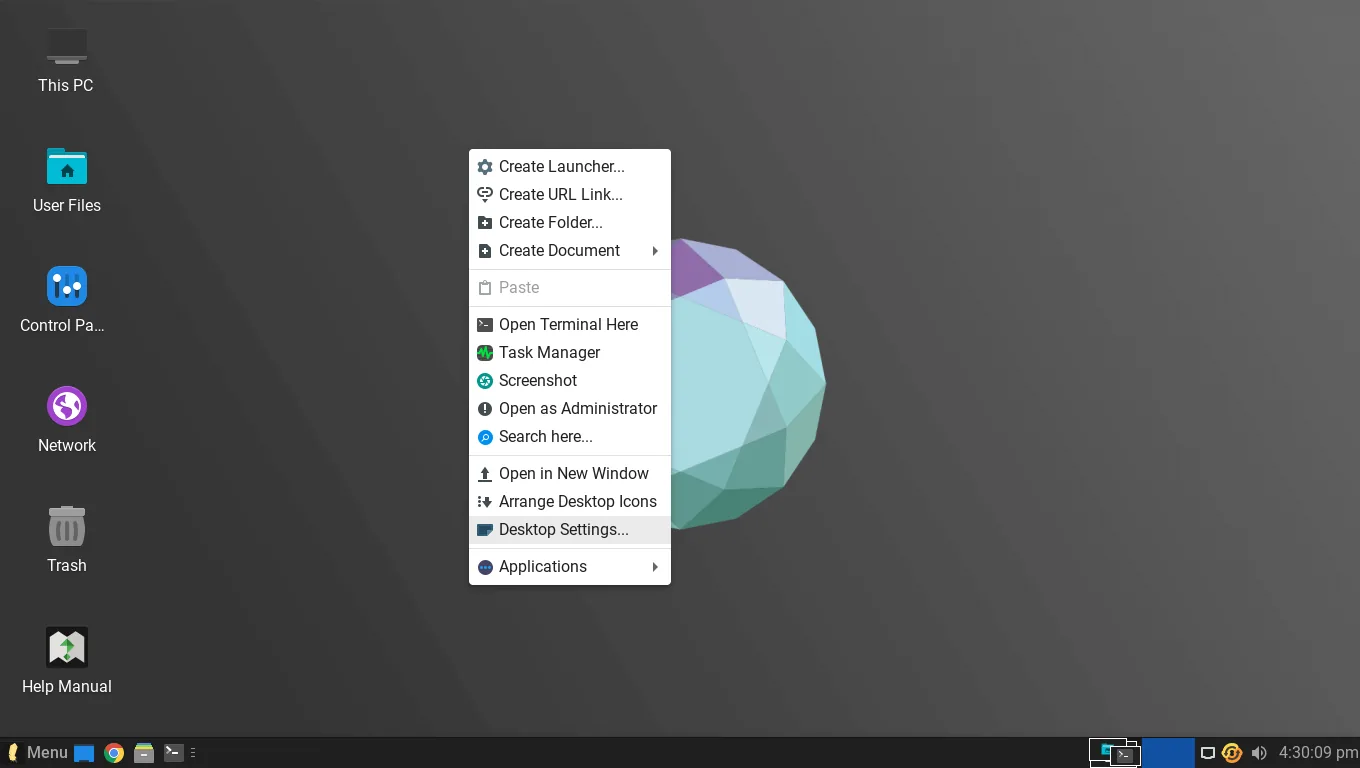
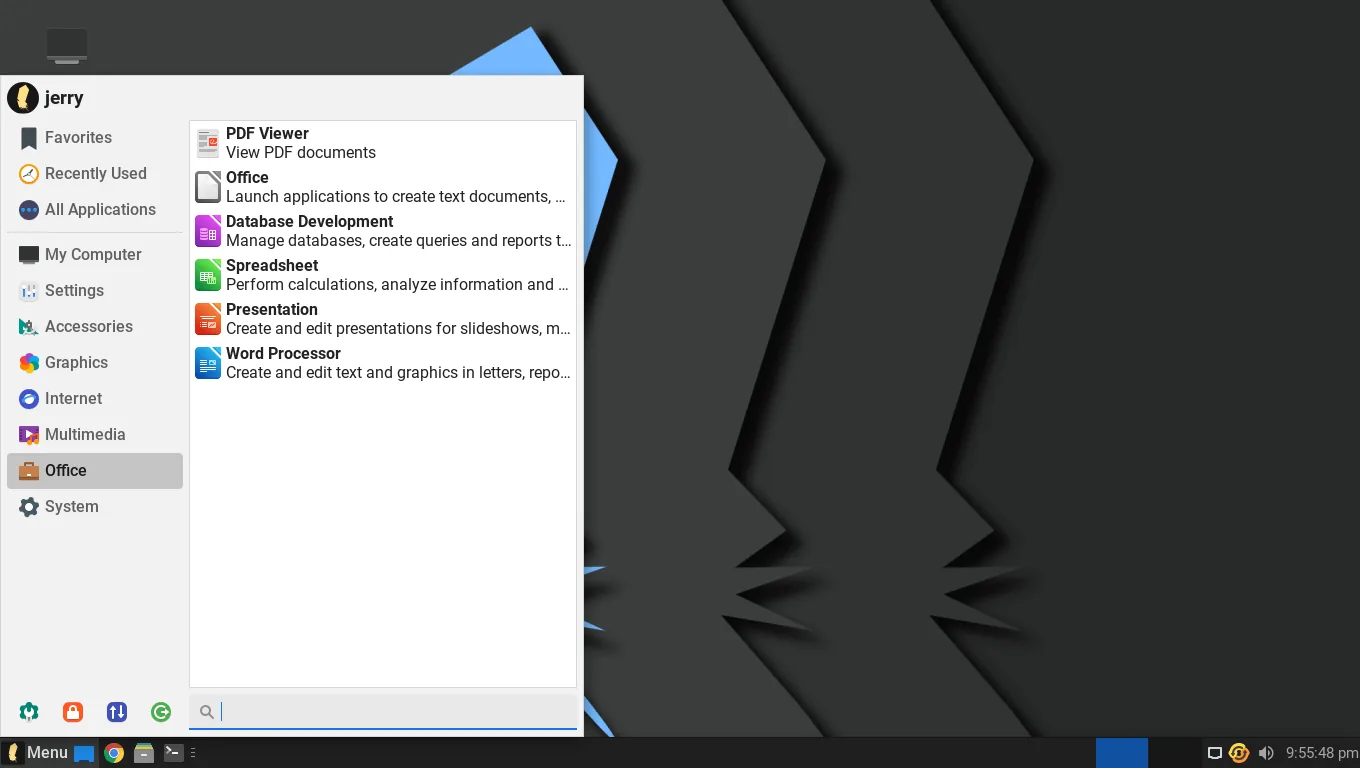
The hardest part of switching is relearning where everything is. Linux Lite copies the layout Windows users already know: a taskbar along the bottom, a start menu in the corner, desktop icons, and a system tray with a clock. The Xfce desktop behind it is simple and fast. Xfce is less polished than Windows 11, but faster on old machines.
For a Windows user, that layout is the first thing that feels familiar.
What Carries Over from Windows
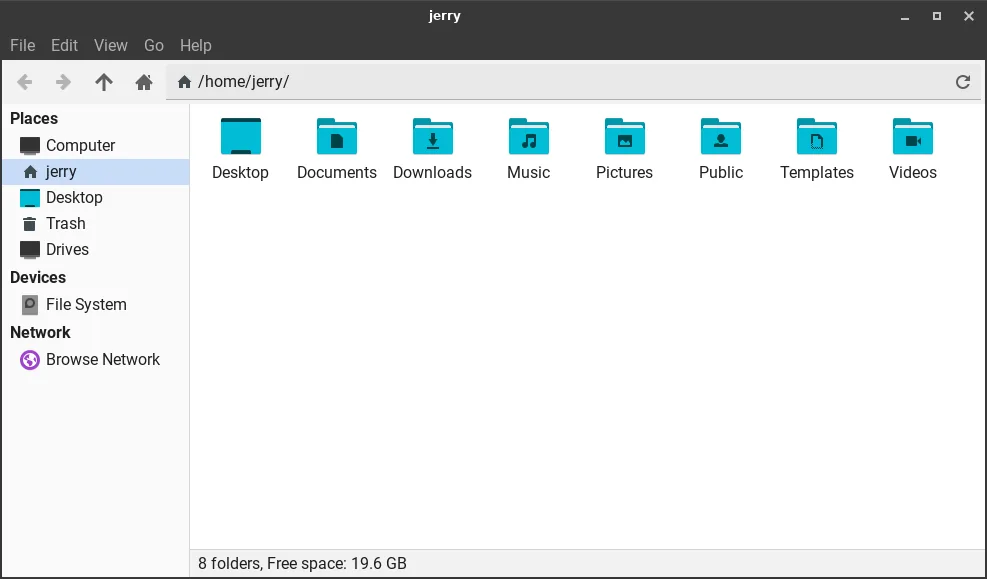
Linux Lite comes with everything most people need already installed: Firefox, Thunderbird, LibreOffice, VLC, and GIMP. Thunar works like Windows Explorer, and Timeshift backs up the system.
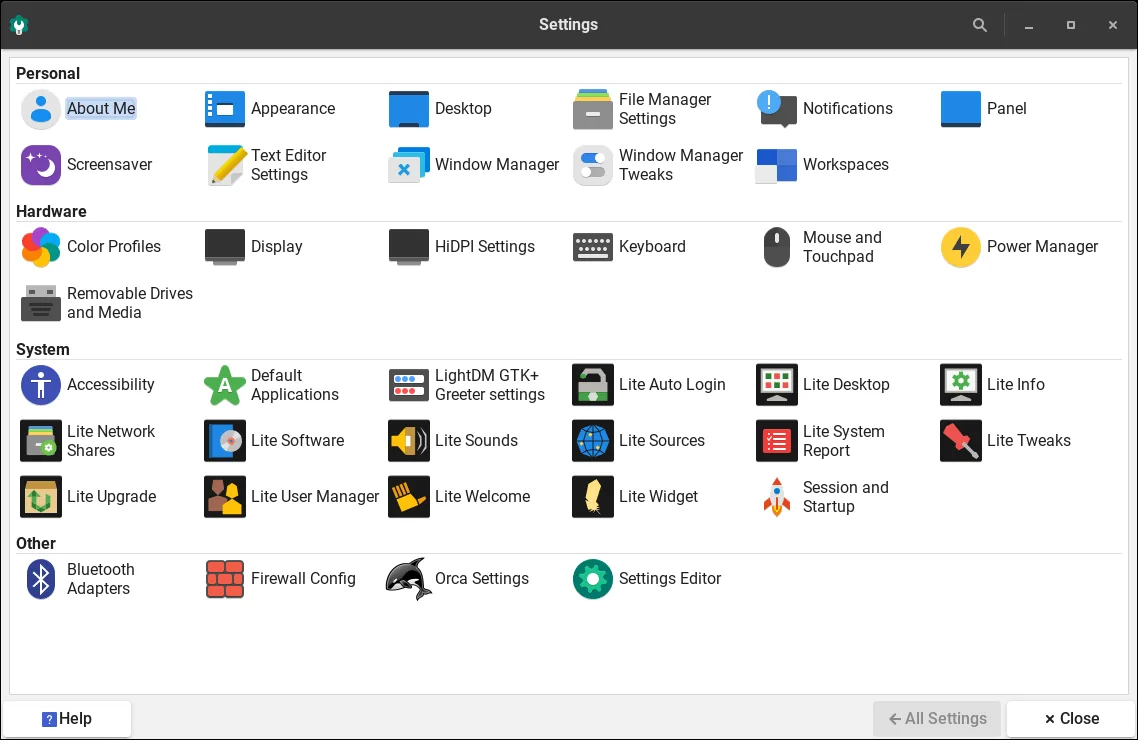
LibreOffice deserves a special mention. It opens and saves Microsoft Office files, and for everyday documents it presents almost no learning curve. Your documents, photos, music and videos are just files — copy them to a USB stick before you switch, then copy them back. Lite Driver Manager, Lite Updates and the Lite Welcome app handle drivers, patches and first-boot setup.
What Changes When You Switch
The biggest change is that Windows .exe programs do not run natively on Linux. You cannot install old Windows software by double-clicking its installer. Instead, you install Linux software from Lite Software, the project's app store, from the Ubuntu repositories. Everyday equivalents exist: LibreOffice, Firefox, VLC.
Linux Lite 8.2 ships DEB packages only, leaving out Snap and Flatpak. For gaming, the Lite Game Center installs Steam, Lutris, Proton and Wine in one click, and many Windows games run well through Proton — but some with kernel-level anti-cheat will not run at all. If gaming is your PC's main job, keep Windows around (dual-boot, below) and check your specific games first.
Performance on Old Hardware
In independent testing on a 2014 laptop (Intel i5, 8 GB RAM, SSD), Linux Lite 8.0 used about 650 MB of RAM at idle and booted in about 18 seconds. FOSS Linux found the same on a 2017 Dell Inspiron with 4 GB of RAM and a spinning hard drive: a 15-second boot, LibreOffice and ten browser tabs running — on a machine Windows 11 would not install on at all.
One limit for very old PCs: there is no 32-bit version. Linux Lite 8.2 is 64-bit only, like every Series 8 release.
Try Before You Install: The Live USB
You do not have to commit to anything. Download the ISO from the official Linux Lite site, make a bootable USB stick with a tool like Rufus or Etcher, and boot your PC from it. The live session runs entirely from the USB stick and installs nothing. Test your Wi-Fi, sound and printer on your own hardware. If something does not work, reboot and remove the stick.
Dual-Boot or Replace? How to Switch Safely
Install Alongside Windows (Dual-Boot)
Dual-booting keeps Windows and adds Linux Lite beside it — the safest way to switch. The Calamares installer offers an "install alongside" option that shrinks Windows to make room. Before you start, back up your files, keep 40 GB free, and disable Secure Boot in your BIOS settings — Linux Lite does not support it. Older dual-boot guides covered Windows 10, 8.1 and 8; no dedicated Windows 11 dual-boot guide for Linux Lite exists yet.
On a Windows 10 machine, the dual-boot process is the same; only the Windows version differs.
Replace Windows Completely
If you are ready, the installer can erase the disk and give the whole machine to Linux Lite — the cleanest result and the best performance. Only choose this when you are sure: back up everything first and try the live session or dual-boot first. The install takes under 20 minutes, and under 10 minutes on an SSD. Afterwards, run Lite Updates and switch on the built-in firewall — it is off by default.
Linux Lite vs Windows: Side by Side
| Linux Lite 8.2 | Windows 10 / 11 | |
|---|---|---|
| Price | Free forever | Paid licence |
| Old-PC support | Runs on PCs Windows 11 rejects; no TPM | Needs TPM 2.0, 4 GB RAM |
| Support | Ubuntu LTS updates | Windows 10 support has ended |
| Desktop | Xfce 4.20, Windows-like layout | Windows taskbar and Start menu |
| Office | LibreOffice pre-installed | Microsoft Office sold separately |
| Browser | Firefox pre-installed | Edge pre-installed |
| Software | DEB only, no Snap/Flatpak | .exe and Microsoft Store |
| Telemetry | None collected | Cannot be fully disabled |
| Gaming | Steam/Proton/Wine; some anti-cheat games will not run | Widest game support |
| Secure Boot | Not supported | Supported |
| Minimum RAM | 4 GB | 4 GB (Windows 11) |
The Limits
Some Windows-only software has no Linux version: people who depend on Microsoft Office macros or Adobe's desktop apps will struggle, and some Windows games will not run. Secure Boot must be disabled before installing. The built-in firewall is off by default and must be switched on. And 2 GB machines can boot Linux Lite but are not comfortable for multitasking. Check your own needs first, and dual-boot rather than wipe Windows if any of them apply to you.
Who Should Switch — and Who Should Not
Switch to Linux Lite if: your PC cannot run Windows 11, Windows 10's end of support has left you exposed, your daily work is browsing, email, documents and media, and you want a free system with no telemetry.
Dual-boot first if: you depend on one or two Windows-only programs, you play games with anti-cheat software, or you are simply not sure yet. Dual-booting costs nothing.
Do not switch yet if: your work depends on Microsoft Office macros, Adobe desktop apps, or specialist Windows-only software with no Linux equivalent, or your machine has under 2 GB of RAM.
FAQs
Is Linux Lite really free?
Yes — free and open source, with no licence key or paid edition.
Can Linux Lite replace Windows 10 on my old PC?
Yes, for most everyday uses. It runs on hardware Windows 11 rejects and covers browsing, email, office work and media out of the box. Check your essential programs first, and dual-boot if unsure.
Can I run Windows programs on Linux Lite?
Windows .exe programs do not run natively. Many games and applications work through Steam's Proton or Wine, but some Windows-only software — especially programs with kernel-level anti-cheat — will not run.
Can I keep Windows and install Linux Lite alongside it?
Yes. Choose the "install alongside" option during installation and pick Windows or Linux Lite each time you start the PC. Back up your files first and disable Secure Boot in your BIOS settings.
Does Linux Lite work on a PC that cannot run Windows 11?
Yes — that is its main strength. Linux Lite has no TPM requirement and runs well on machines Windows 11 refuses. It needs a 64-bit processor, 1.5 GHz dual-core, 4 GB of RAM and 40 GB of storage.
Conclusion
Windows 10's support has ended and Windows 11 has drawn a hardware line that leaves millions of working PCs behind. For the people who own those PCs, Linux Lite 8.2 is the most practical answer: free, familiar, fast on old hardware, and private by default, with a live USB that lets you test it before changing anything. Try it from a USB stick first.