Linux Lite is famous for running on old hardware, but "old hardware" still has limits. Before you install it on a laptop that has been sitting in a cupboard, you need to know what it actually asks for. This guide gives you the official Linux Lite system requirements, explains what each number means in practice, and answers the question everyone asks: will it run on 2 GB of RAM?
The Official Linux Lite System Requirements
These are the current official minimum requirements for Linux Lite 8.x:
These figures have stayed the same across every Series 8 release.
| Requirement | Minimum |
|---|---|
| Processor | 1.5 GHz dual-core CPU |
| Memory (RAM) | 4 GB |
| Storage | 40 GB (HDD, SSD or NVMe) |
| Display | VGA, DVI, DP or HDMI at 1366 x 768 |
| Media | DVD drive or USB port for the ISO image |
Three more facts belong with that table. Linux Lite is 64-bit only — there is no 32-bit version and no official ARM version, so it runs on x86/64 PCs only.
The ISO download is about 2.4 GB. And these figures are minimums, not recommendations: a machine that only just meets them will run, but it will not feel fast.
Every serious guide agrees on these numbers. The 8.0 install guide from LinuxForDevices lists exactly the same figures, the StarWind 7.8 guide lists them too, and The Linux Shop runs a whole page dedicated to Linux Lite system requirements with the same table. The numbers below are the project's own, confirmed across all of them.
What Each Requirement Means in Practice
Processor: 1.5 GHz dual-core
A dual-core processor from roughly 2012 onwards is enough. That covers Intel Core 2 Duo and later, and AMD equivalents. A single-core machine will struggle — Linux Lite can start on one, but the desktop and a browser at the same time will feel slow.
Memory: 4 GB of RAM
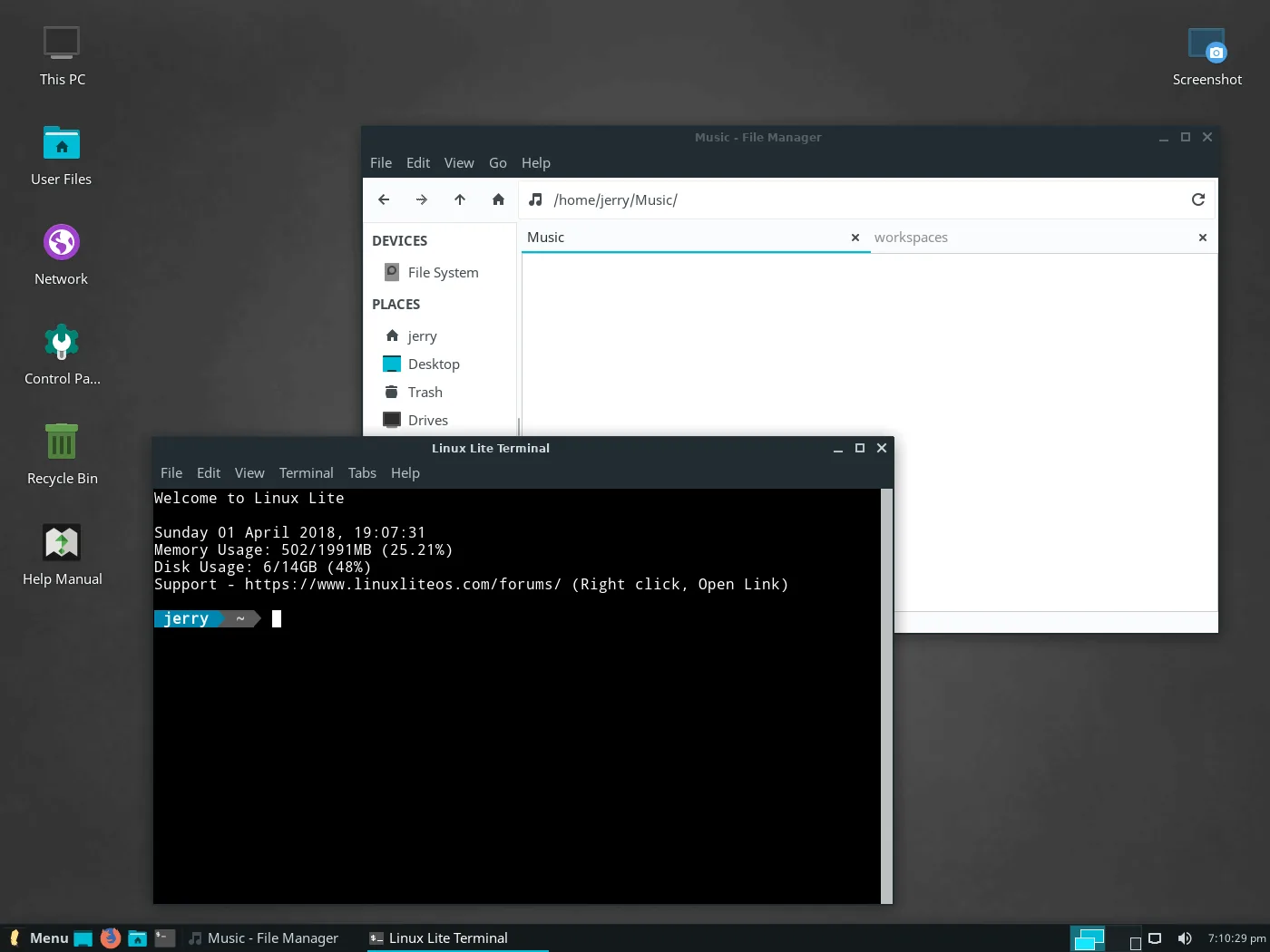
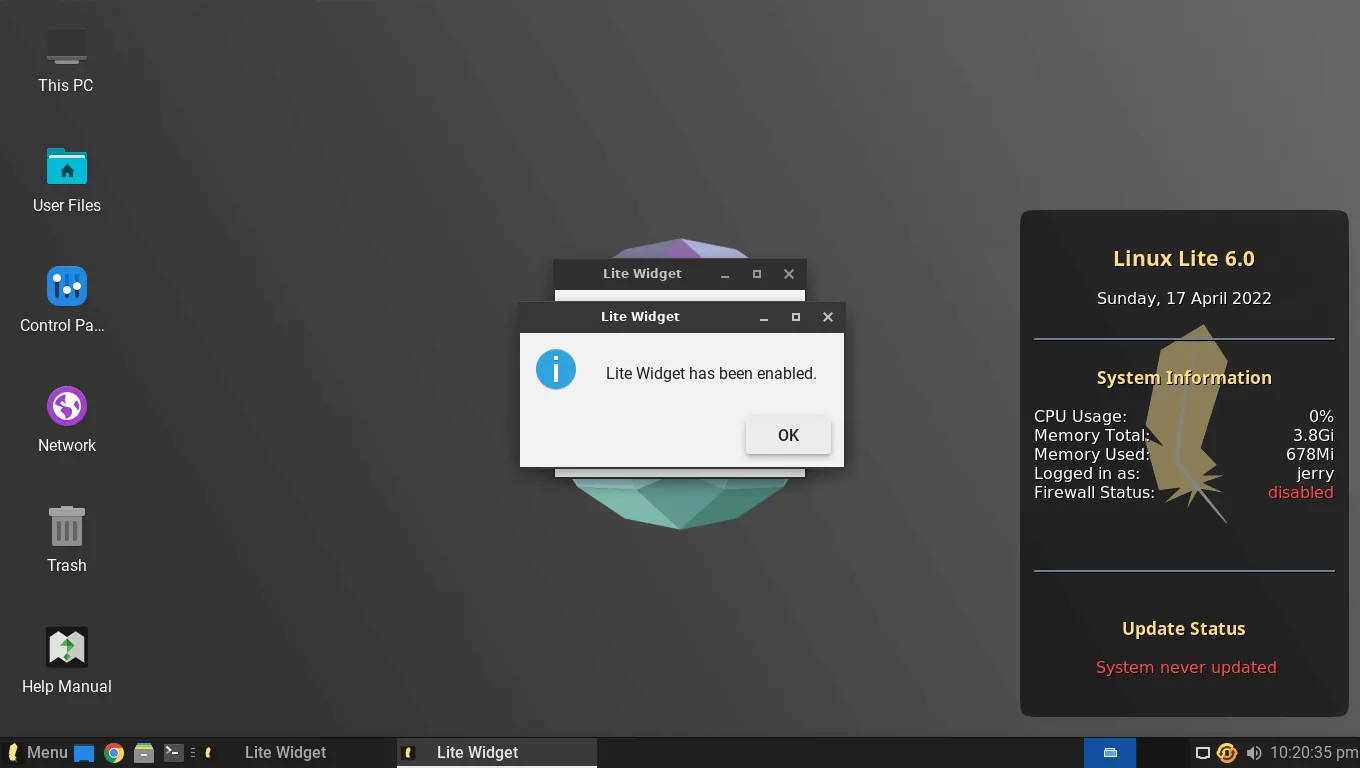
RAM is the number that matters most. Linux Lite idles at around 600 MB, so 4 GB leaves plenty of room for Firefox, LibreOffice and a few more programs at once. This is the requirement that decides whether the machine feels fast or feels tight.
Storage: 40 GB
A fresh install takes about 12 GB of disk space, so 40 GB leaves room for updates, applications and your files. It works on a hard drive, an SSD or an NVMe drive. An SSD makes the biggest single difference to how fast the machine feels — more than any other upgrade.
Display: 1366 x 768
Almost any screen made in the last fifteen years meets this. The desktop needs at least this resolution to lay out its panels and windows properly.
Will Linux Lite Run on 2 GB of RAM?
Yes, with limits. A machine with 2 GB of RAM can run Linux Lite, and reviewers have tested exactly that. Techilu ran Linux Lite 8.0 on a 2 GB netbook, and the FOSSLinux revival guide puts Linux Lite in its "Tier 2: 2 to 4 GB RAM" group for old machines.
The question comes up because the official minimum is 4 GB, so 2 GB is below the official line. It works, but it is not what the project recommends.
What 2 GB feels like is the important part. With one program open — say, Firefox with a couple of tabs — it works fine. Open a second application and it starts to feel tight. The system begins using the disk as extra memory, and everything slows down. For web browsing, email and documents, 2 GB is usable. For multitasking, it is not comfortable.
The project's own position is clear: 4 GB is what makes multitasking comfortable. If your machine has 2 GB and you can add more, a RAM upgrade is the cheapest improvement you can make. If you cannot, Linux Lite will still run — just keep fewer programs open at once.
What About Less Than 2 GB?
Machines with under 1 GB of RAM are not a good fit for Linux Lite. The old 2016 requirements asked for only 512 MB, but the system has grown since then. A fuller desktop, more pre-installed applications and a modern browser all need memory, and 1 GB is not enough for them together.
The same applies to very old single-core processors. If the machine has under 1 GB of RAM or a single-core CPU from before 2010, lighter systems exist that are built for that hardware. Linux Lite is light, but it is a complete desktop, not a bare one.
How the Requirements Have Changed
Linux Lite's requirements have grown as the system has grown, and the old figures show how much.
In 2016, Linux Lite asked for a 700 MHz processor, 512 MB of RAM and 5 GB of disk. That is the figure in the Linux.com old-hardware listicle from the time. By the 4.8 era, the FOSSLinux roundups listed 768 MB of RAM, a 1 GHz processor and 8 GB of disk. The CyberPanel 7.0 review lists a minimum of 1 GHz, 768 MB of RAM and 8 GB of storage.
Today's figures — 1.5 GHz dual-core, 4 GB of RAM, 40 GB of storage — reflect a fuller, more modern desktop. The system ships the full LibreOffice suite, Firefox, GIMP and VLC, not cut-down replacements. It also carries the Lite tools, the Game Center and MyAI. All of that needs more room than the bare system of 2016 did.
That growth is not a failure. It is the price of a complete desktop that is ready to use the moment it boots: a little more memory for a much fuller system.
What Hardware Works Best?
Linux Lite runs best on a laptop from about 2012 to 2018 with 4 GB of RAM or more. That covers the machines Windows 11 left behind, which often lack the TPM chip Windows 11 demands. A Core i3 or i5 from that era, with an SSD, runs Linux Lite fast.
An SSD is worth repeating. On the same old laptop, moving from a hard drive to an SSD changes the boot time and the way applications open more than any other single change. If you are reviving an old machine, spend the money on an SSD before anything else.
For schools, labs and second machines, the same logic applies. Linux Lite's own documentation points to schools and educational labs as a natural home, because the hardware is already there and the software is free.
Storage: How Much Space Do You Really Need?
The 40 GB minimum is the floor. A fresh install uses about 12 GB, and updates add more over time. If you store documents, photos and music on the machine, allow more. A 120 GB drive is comfortable for most people, and a 240 GB SSD is generous.
If the machine has a small 64 GB drive, it will still work. Keep an eye on free space, clear caches with Lite Tweaks from time to time, and store large files on an external drive.
FAQs
What are the minimum system requirements for Linux Lite?
A 1.5 GHz dual-core processor, 4 GB of RAM, 40 GB of storage, a display of at least 1366 x 768, and a DVD drive or USB port for the ISO. Linux Lite is 64-bit only.
Will Linux Lite run on 2 GB of RAM?
Yes, it runs, but it feels tight as soon as you open a second application. 4 GB is what makes multitasking comfortable. Below 1 GB is not recommended.
How much disk space does Linux Lite need?
The official minimum is 40 GB. A fresh install takes about 12 GB, so 40 GB leaves room for updates, applications and files.
Does Linux Lite work on 32-bit computers?
No. Linux Lite is 64-bit only, and there is no official ARM version. It runs on x86/64 PCs only.
Can I run Linux Lite on a very old laptop from 2010?
If it has a dual-core processor and at least 2 GB of RAM, yes. With 4 GB and an SSD it will feel fast. With under 1 GB of RAM, pick a lighter system instead.
Why did Linux Lite's requirements go up over the years?
Because the system grew: a fuller desktop, the complete LibreOffice suite, the Lite tools, the Game Center and MyAI. The 2016 minimum was 700 MHz and 512 MB of RAM; today's desktop needs more, and gives more in return.
Conclusion
Linux Lite's system requirements are modest: a 1.5 GHz dual-core processor, 4 GB of RAM and 40 GB of storage. It will run on 2 GB of RAM if that is all you have, but 4 GB is where it feels comfortable, and an SSD makes the biggest difference of all. Machines with under 1 GB of RAM or a single-core processor are better served by a lighter system. If your old laptop has 4 GB and a dual-core chip, Linux Lite will put it back to work, which is exactly what it was built for.